Gather the pages.
Import PDFs from Files, add selected photos, or scan paper on a supported device.
 PDFReady
PAPERWORK, PREPARED
Bring documents together, choose the pages you need, and check the finished size before your next upload.
US $6.99 · One upfront purchase · No app subscription.
Not yet available on the App Store. Local storefront prices may vary.
A SMALL, PRACTICAL WORKFLOW
Import PDFs from Files, add selected photos, or scan paper on a supported device.
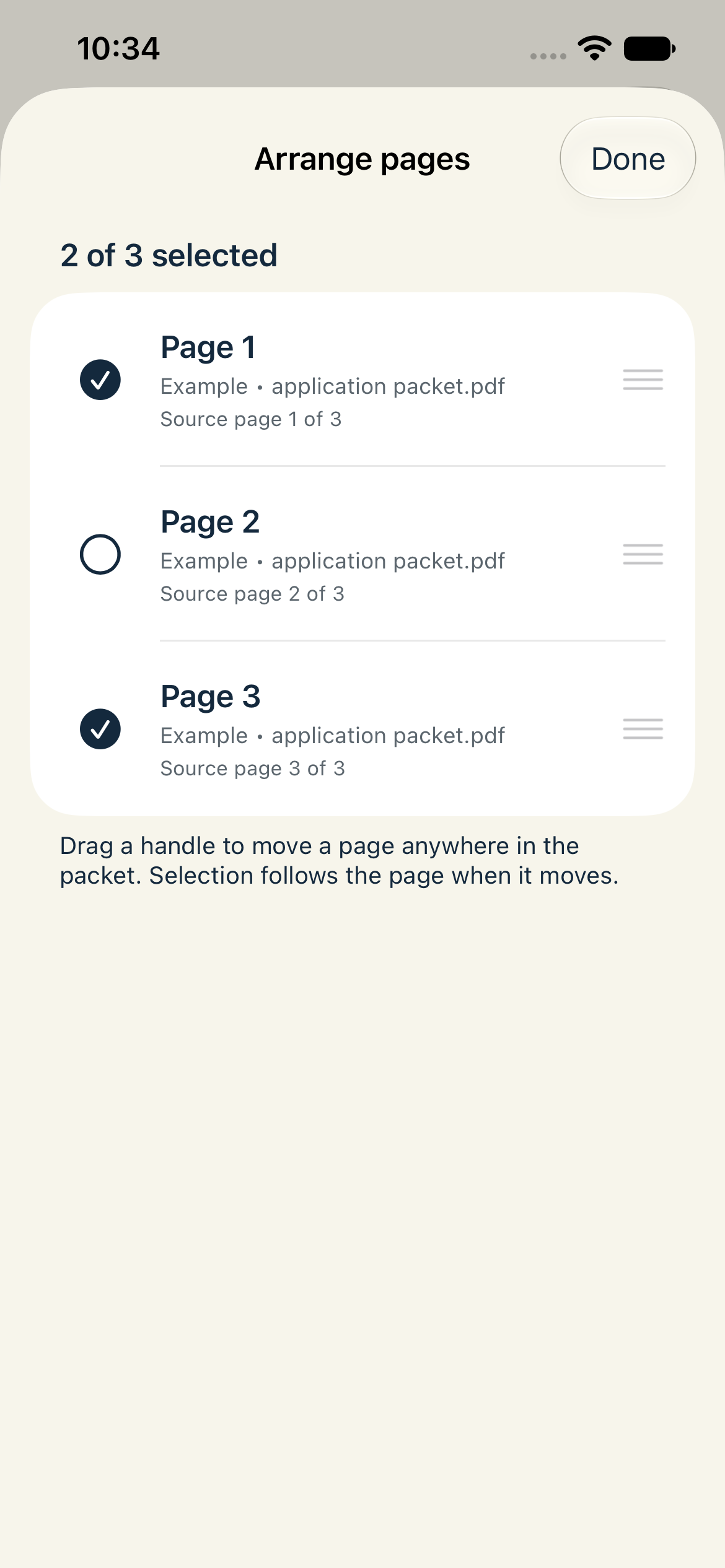
Choose individual pages or a range, arrange the order, and give the new PDF a name.
Check the measured size and preview every page. Save or share the finished PDF through the native sheet.
CHECK THE DETAILS
Original mode keeps page text, vectors and annotations and does not aim to reduce size. Balanced and Smaller modes render pages as images to try to reduce file size. PDFReady compares the finished size with an original export of those same selected pages.
INSIDE THE APP
App screens using the labelled fictional example. Tap a screen to inspect it.
ON YOUR DEVICE
PDFReady assembles documents on your device. It has no developer-hosted PDF service, accounts, ads or analytics.
Photos and Files may download items from your own cloud provider. Sharing sends the finished file only to the destination you choose.
Read the privacy policy →No app subscription. Local storefront prices may vary.
Not yet available on the App Store.